
Description
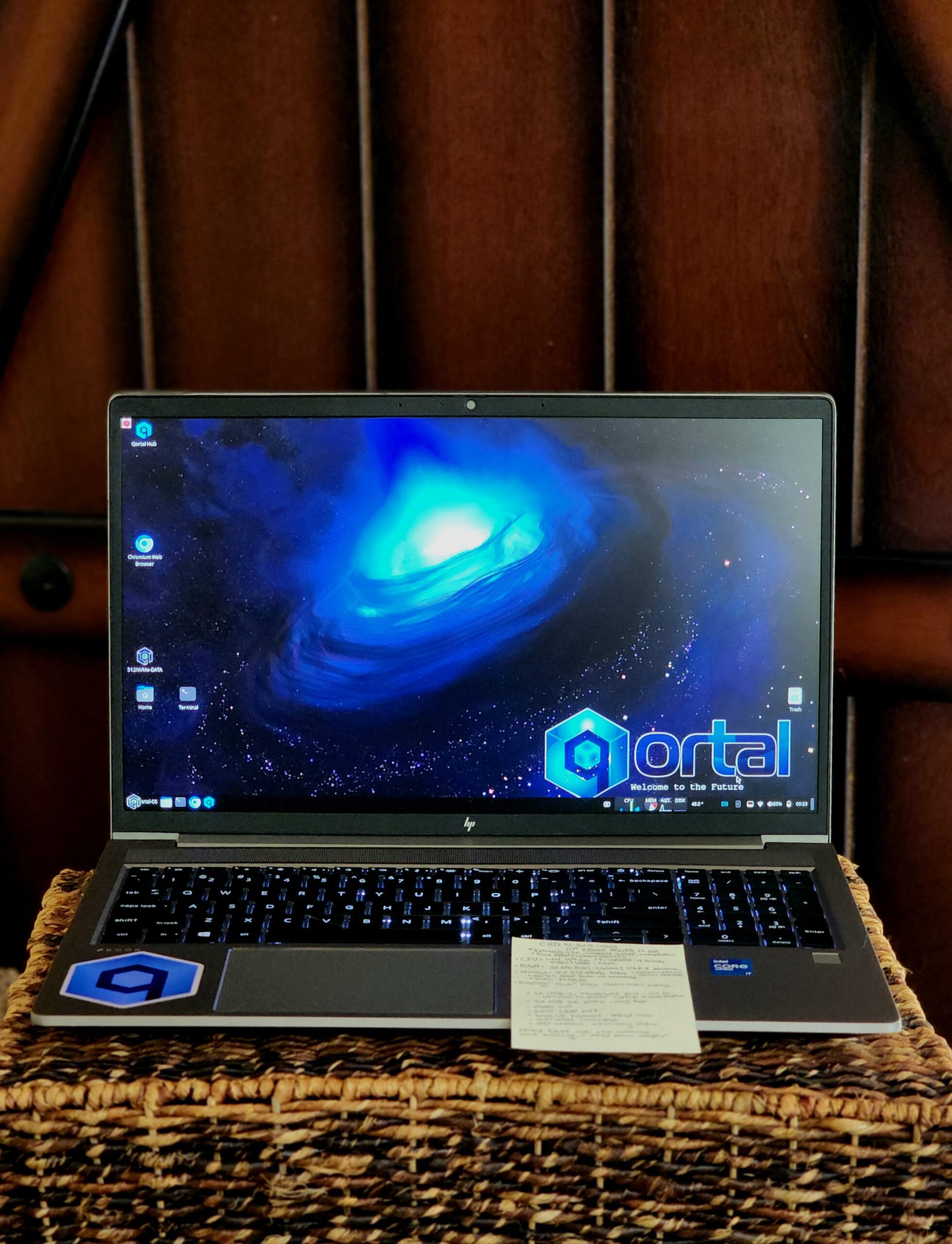
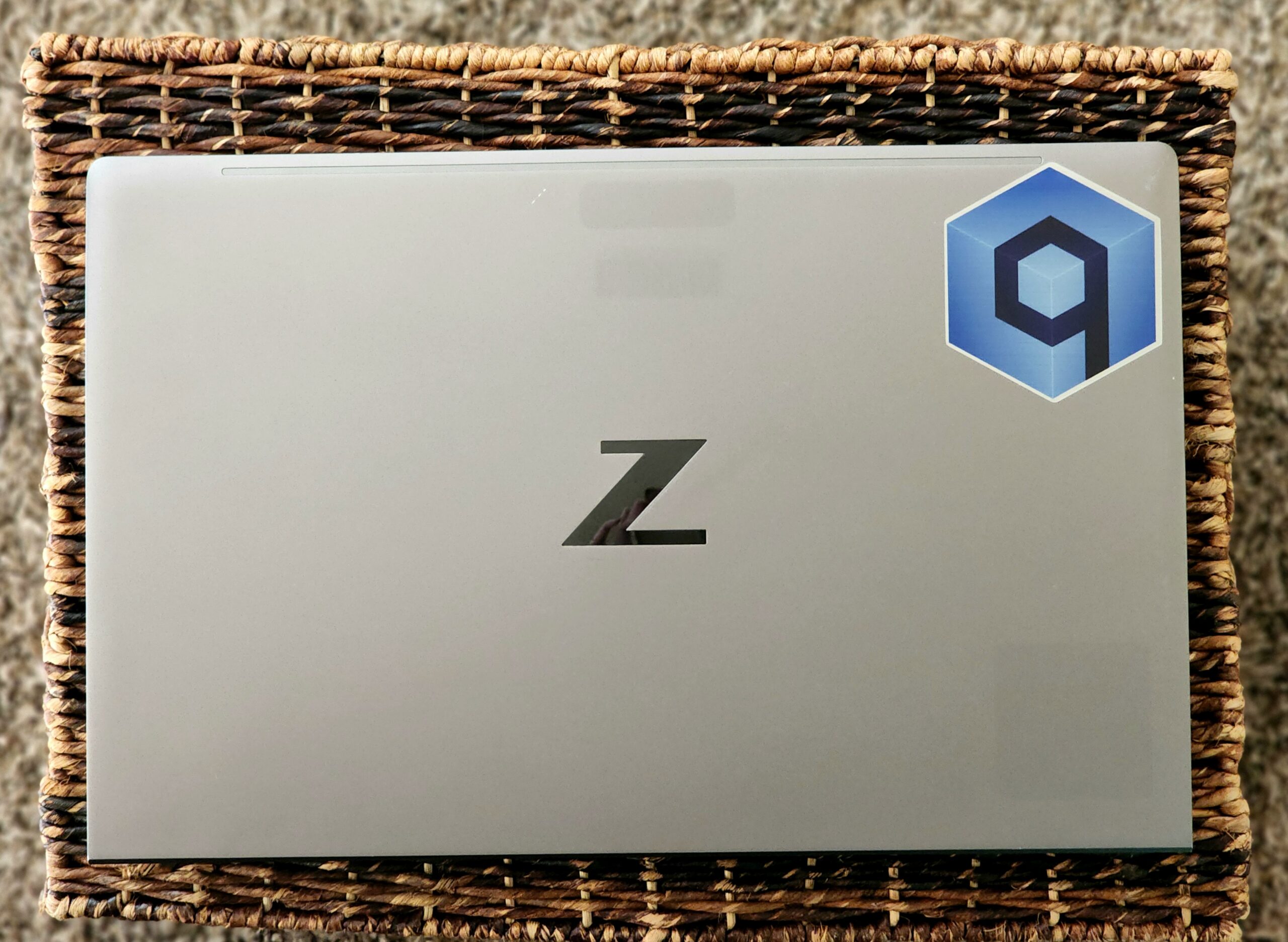
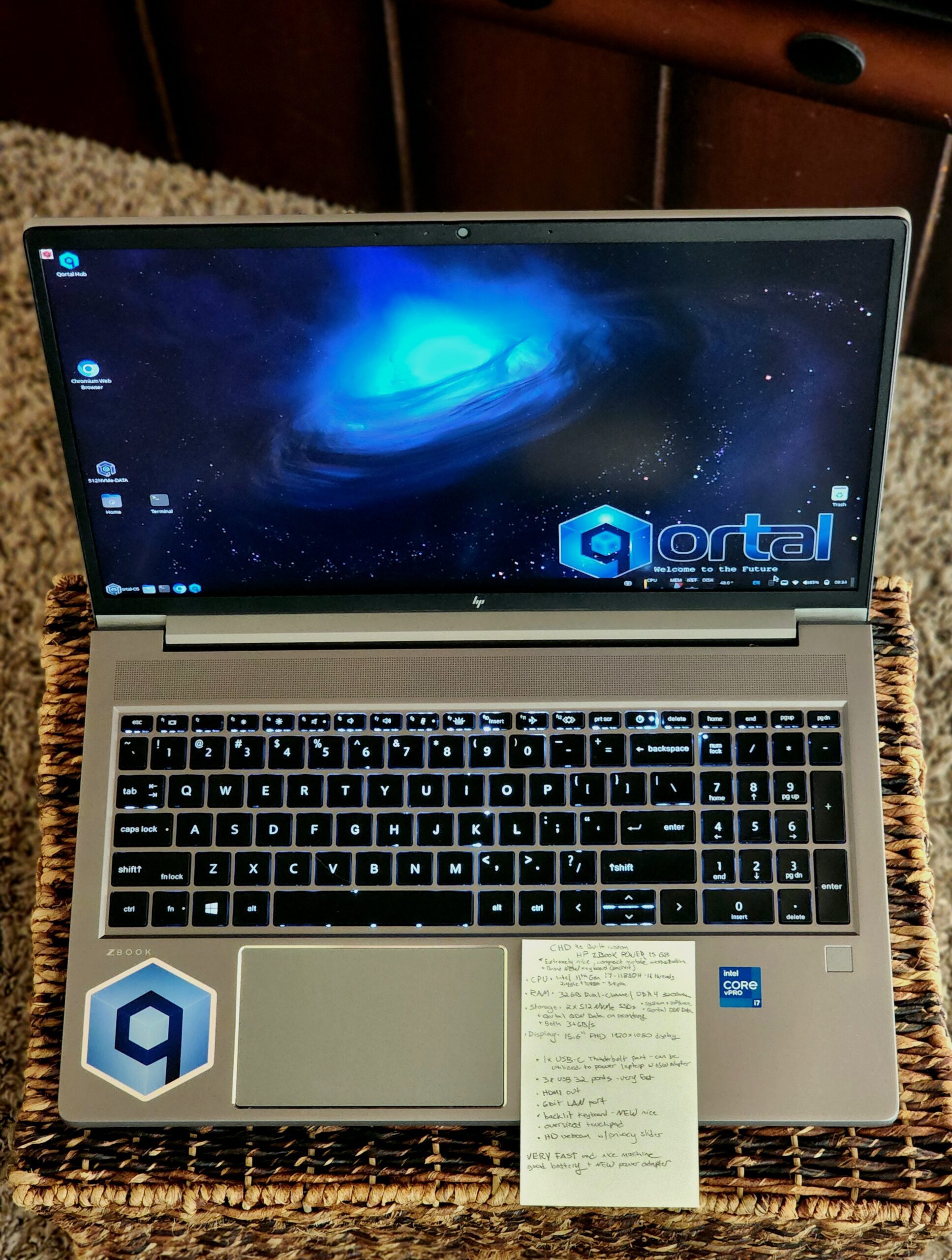
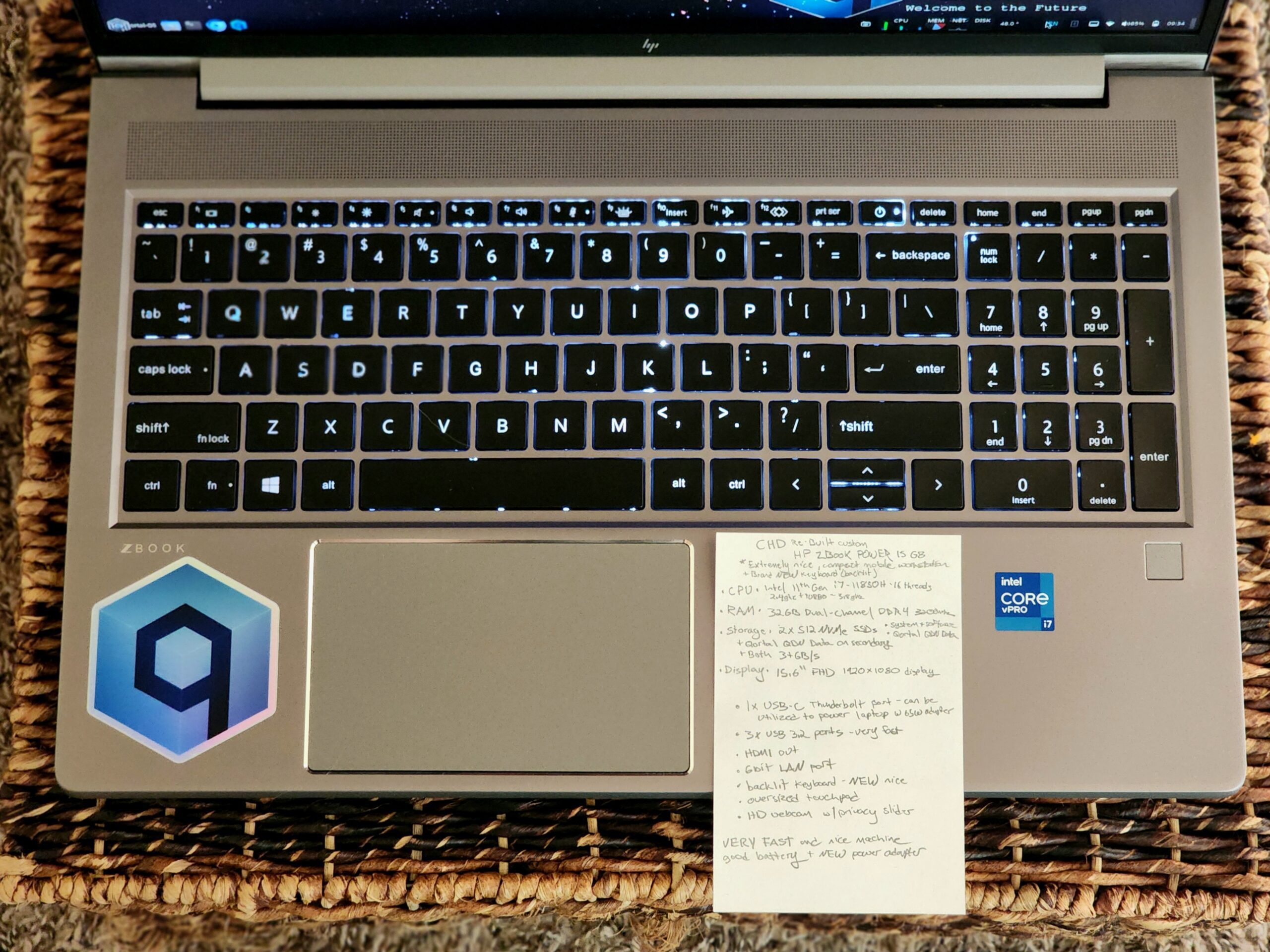
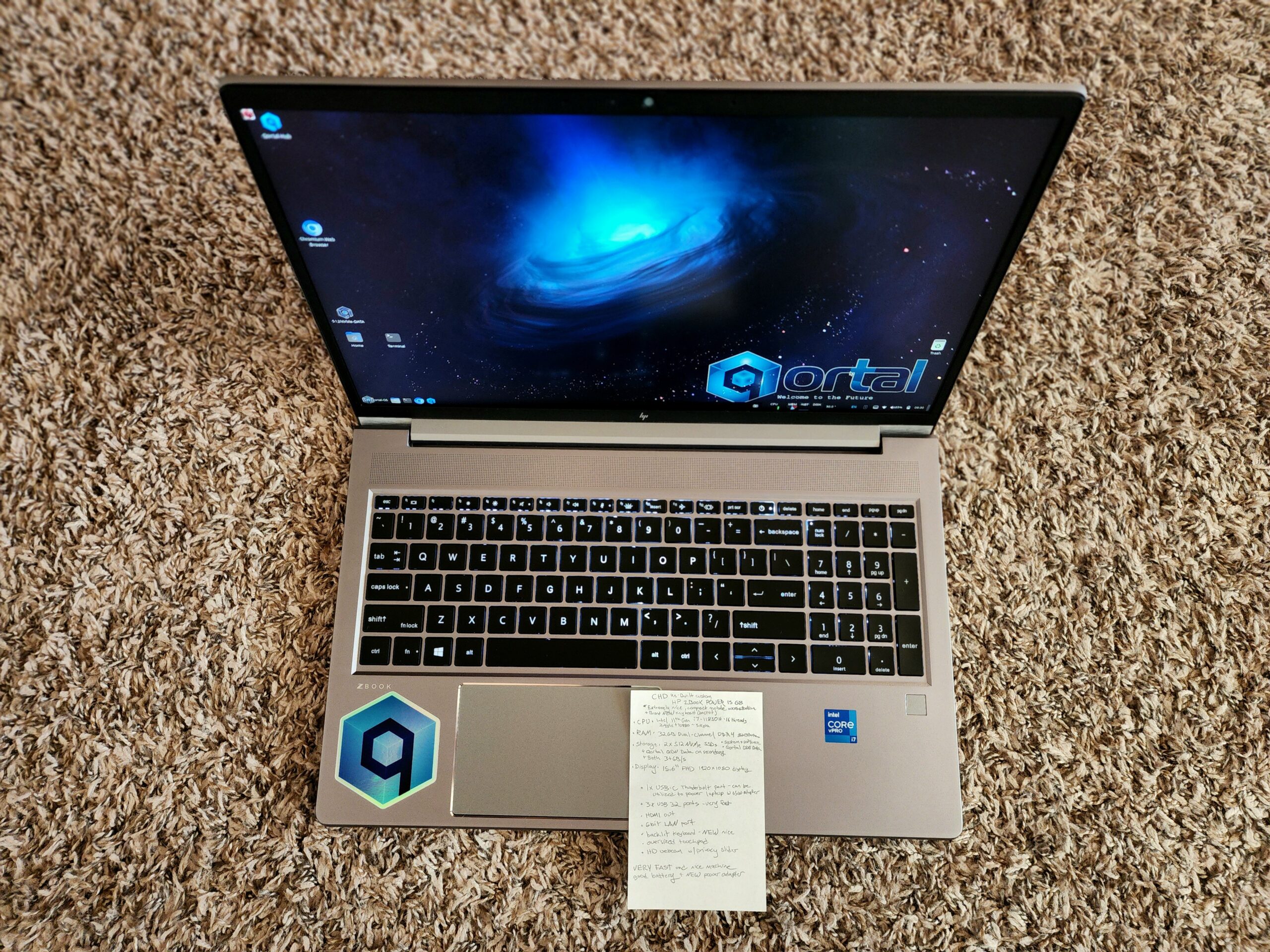
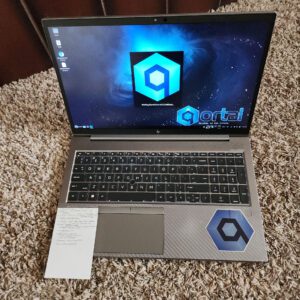
CHD Custom HP Zbook POWER 15 G8 – High End Workstation – 11th Gen i7 (16 threads) – 32GB Dual Channel DDR4 – 2x512GB NVMe SSDs (1TB total) – 15.6″ FHD Display – NEW KB
This is a high end customized CHD HP Zbook Power 15 G8 – Extremely fast, brand new upgraded backlit keyboard, segregated storage for QDN, still light and compact but very powerful.
Hardware Specifications
Screen Size - 15.6" FHD 1920x1080 Display
CPU – Intel i7 11th Gen @2.4Ghz(4.2+Ghz turbo) (11850H) - 16 threads with turbo up to 4.2+Ghz

RAM – 32GB DDR4 Dual Channel

Storage – DUAL 512GB NVMe SSDs - QDN Data on second, OS/Software on first (1TB Total)
-
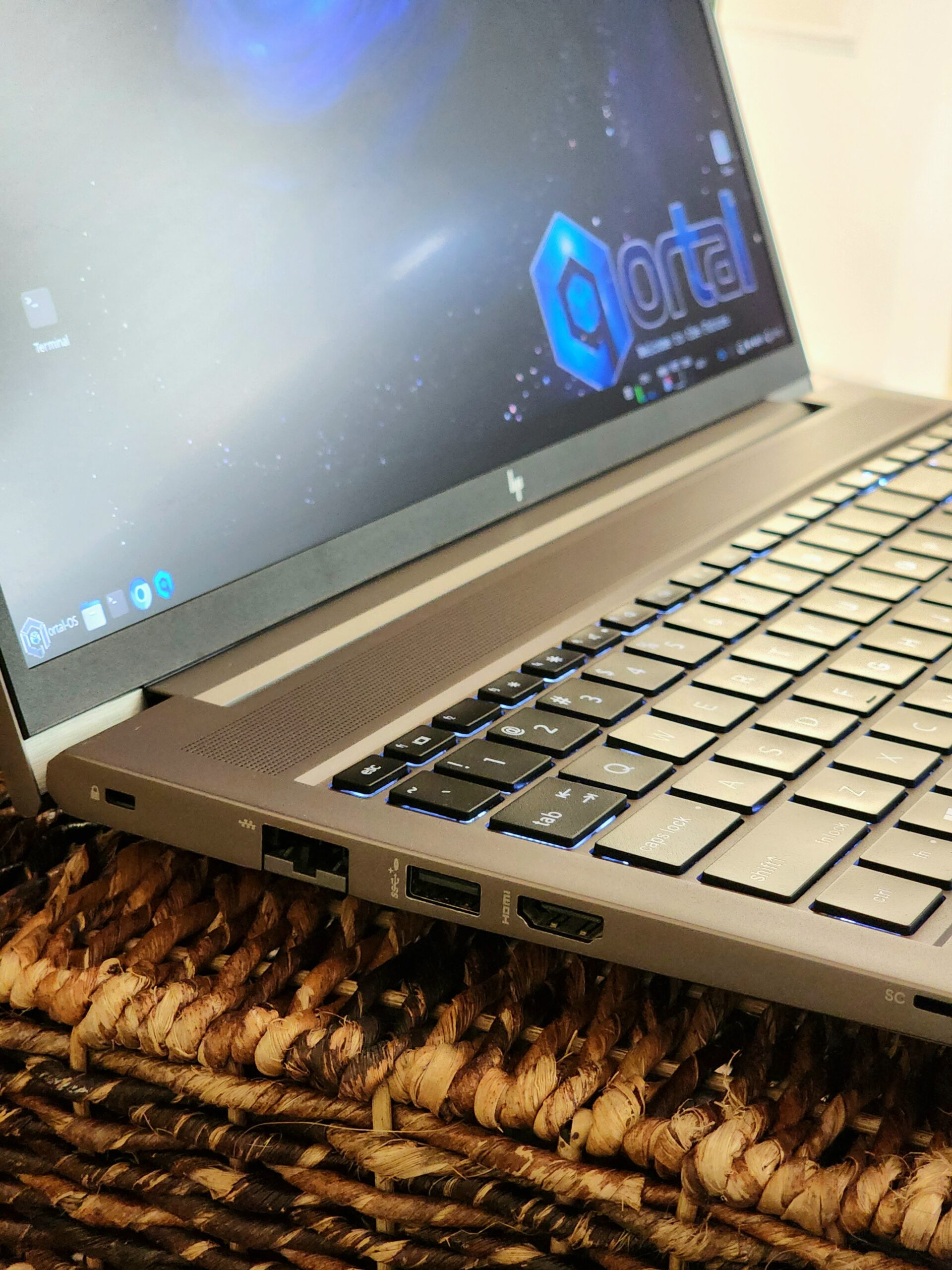
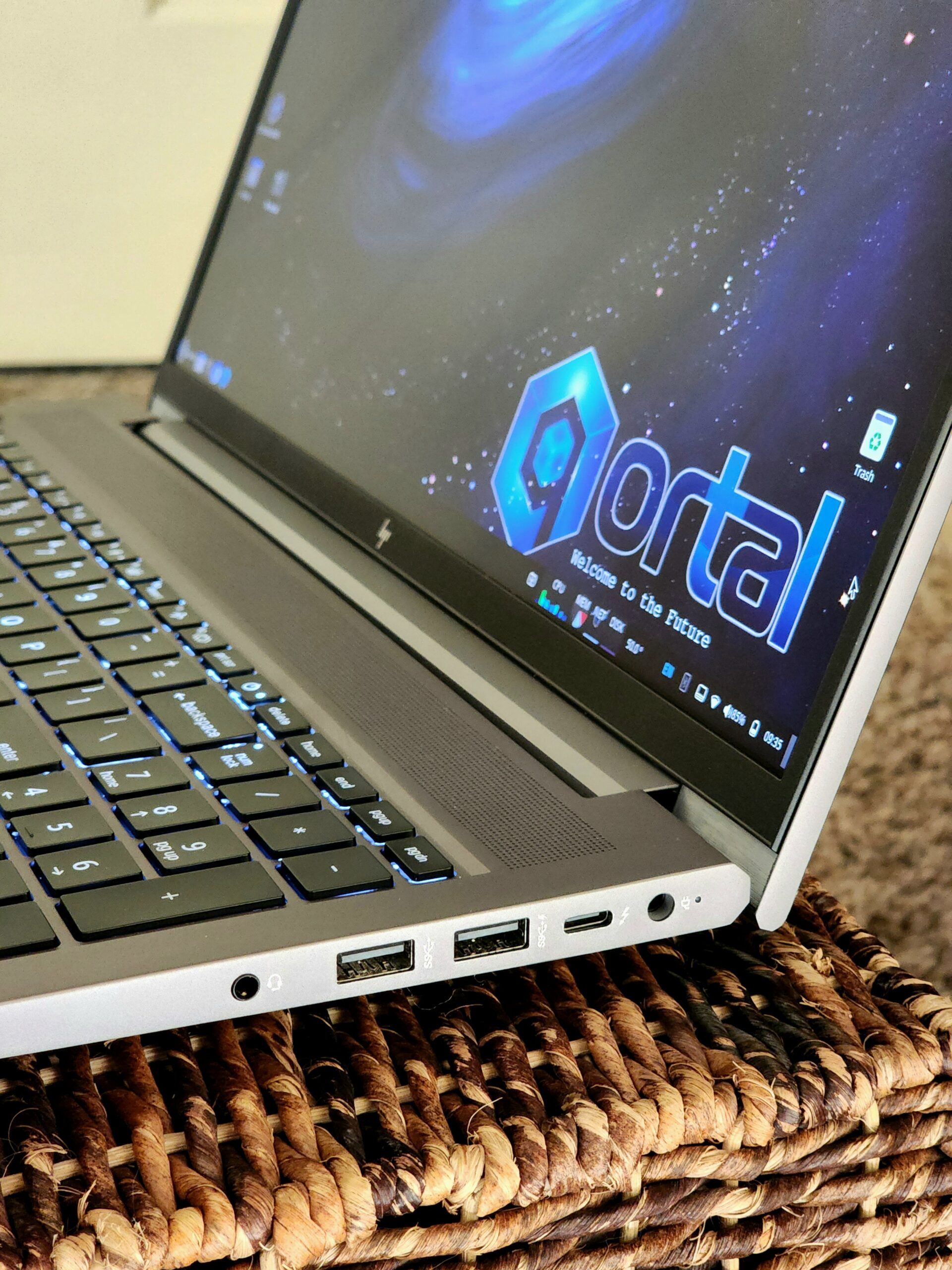
3xUSB 3.2 SS ports
-
1x USB-C (Can be utilized to charge machine as well) - Thunderbolt Display/USB/Power
-
-
Oversized touchpad
-
Backlit Keyboard - BRAND NEW!
-
Wireless, and Bluetooth Cards (FAST Wireless, tested ~500Mbit)
- Gigabit Network LAN Port
-
FAST Storage (NVMe SSD ~3500MB/s)
-
Newer Gen Hardware + SC card slot
-
HDMI out
- Working Battery
-
Headset Jack
-
HD Webcam With PRIVACY SLIDER
Software / Operating System Details
All CHD Re-builds come with LINUX installed as the OS. Generally the Linux installation will be customized Ubuntu 22.04 with Cinnamon Desktop. The OS is configured to make it an EASY SWITCH from WINDOWS.
NOTE – Many machines are now shipping with Ubuntu 24.04
All CHD Machines are professionally cleaned, upgraded, and refurbished. Every machine comes with a MINIMUM of an SSD upgrade, most have RAM upgrades as well. All Machines are INDIVIDUALLY TESTED prior to shipping for at least 8 hours, and all hardware tested.
All systems have the ‘computrace’ tracking software disabled at the BIOS level (when possible), But even if computrace is not disabled at the BIOS level, installing linux makes Computrace useless, as it relies upon Windows-based rootkit software to function. as well as ‘Intel Management Engine’ disabled at the BIOS level (when possible). (These BIOS additions allow 3rd party access to the system, and therefore have been disabled by default whenever possible. Each system’s specifications will include details where necessary.)
Ubuntu Desktop has been CUSTOMIZED to ‘feel’ like Windows, for users switching from Windows, it should be a really nice and simple switch.
**Note – At the moment CHD is utilizing either Ubuntu Desktop, Zorin OS, or PoP-OS, no matter which is utilized, they are both configured to look/feel exactly the same, with Cinnamon Desktop Environment. There are a few subtle differences, but overall they are ‘identical’. CHD is also working on customizing the default Desktop Environment, so that it looks/feels/functions like Mac. So that users can choose whether they would like a more ‘mac-like’ environment or a ‘windows-like’ environment. Default is windows-like (cinnamon) and alternative ‘mac-like’ will be either ‘ubuntu’ or ‘pop-OS’.
Theme customization for ease of use, and clean visual appeal. Also modifications to other settings for ease of function and better overall feel.
Qortal Core and Qortal UI pre-installed, along with a startup configuration for the Qortal Core, so it will start automatically, and the Qortal Core icon will show on the taskbar. Default Qortal settings.
CHD’s own ‘auto-fix-qortal’ scripts setup to run automatically both at reboot and every 5 days at 1:01 AM, to ensure your Qortal software is always at the latest release, and if it isn’t, FIXES IT FOR YOU.
Power management customization to prevent machine from ‘sleeping’ so that Qortal Core can run without issues. Also configured to ‘do nothing’ when laptop lid is closed, to allow Qortal to keep running even while screen is closed.
All purchases from CHD support Qortal Development.
Default Software Installed (much more than what is listed) (Special Requests Possible):
- Audio/video player software – VLC media player (best media player and converter that exists in CHD opinion)
- Open Office (Document, spreadsheet, database, presentation editor)
- Chromium Browser (set to default browser) – with hardware acceleration enabled – Firefox browser also installed. – Tor and/or I2P can be installed upon request.
- GiMP image manipulation software (Photoshop alternative)
- Imagick (vector graphics editor)
- Qortal Core and Qortal UI (including ‘launchers’ in the panel and on the desktop)
- Qortal Core GUI auto-start
- Qortal Automation Scripts to automatically recover node if Qortal Core happens to fall behind in release version. Just keeping machines running should keep node always good.
- Everything you’ll need for home/office/school computer, and much more!
- Any other open source software can be installed upon request. Make request when submitting order.
Reviews
There are no reviews yet.